
NatureQuery Desktop for Windows
The databases a website can't reach. Asked from your own PC.
On your computer, on your office network or behind a VPN. The Windows app connects to them directly and asks them questions in plain English. Same account, same plan.


Windows 10 version 1809 or later, 64-bit. Free. Updates install automatically.
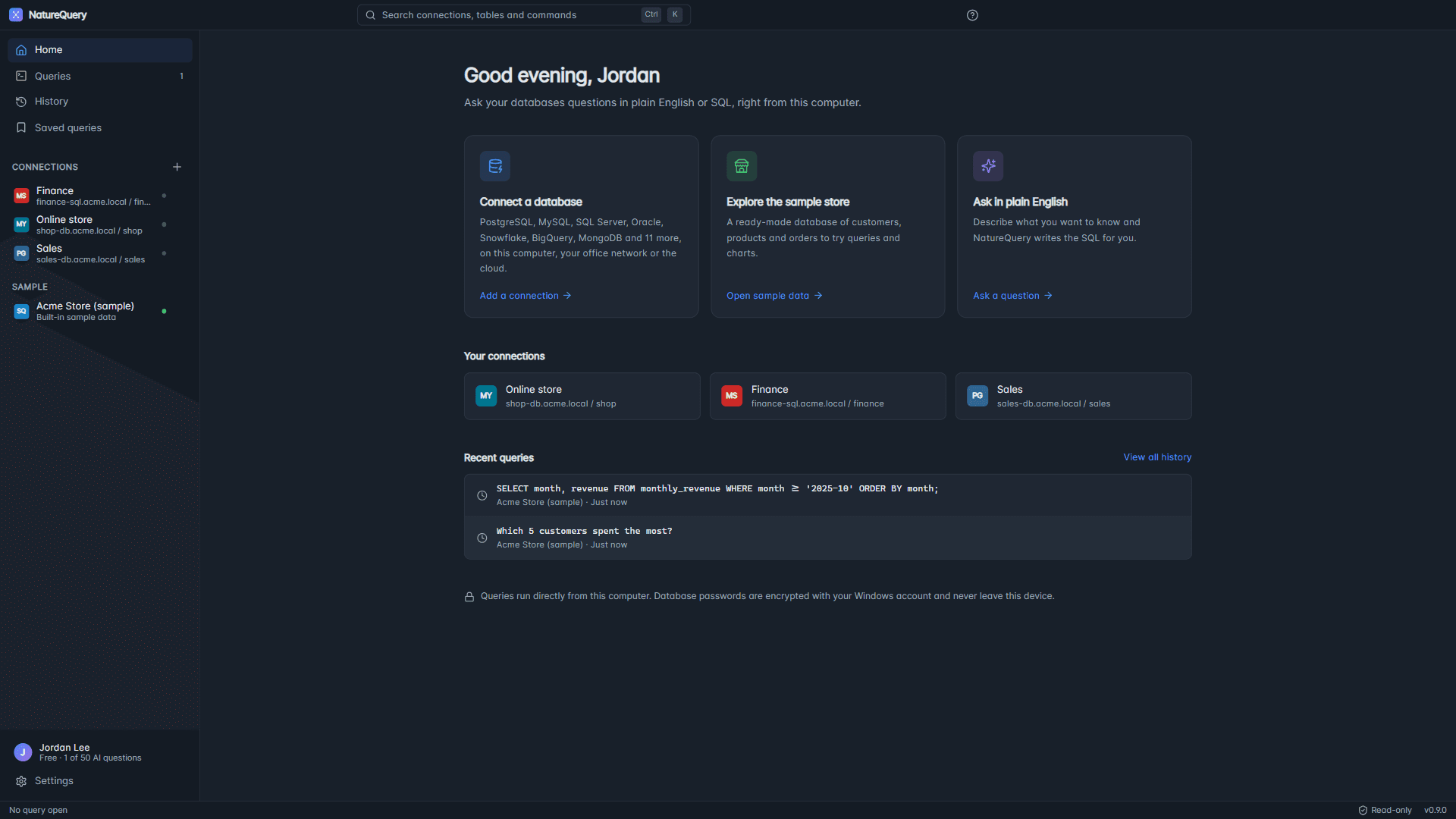
- Reaches your office databases
- Connects from your PC to databases on your computer, your office network or a VPN. Nothing has to be opened to the internet.
- Passwords stay on your PC
- Connection passwords are encrypted with your Windows account and never sent to NatureQuery.
- Read-only by design
- NatureQuery only reads data. Requests that would change or delete data are declined.
Get started
Three steps to your first answer.
Step 1
Install it from the Microsoft Store
Choose Download from the Microsoft Store. The Store installs NatureQuery and keeps it up to date.
Step 2
Sign in with your browser
Open NatureQuery and choose Sign in with your browser. Use your NatureQuery account, or create a free one.
Step 3
Connect a database
Add your database, or try the built-in sample store first. Then ask a question in plain English.
Connects to
- PostgreSQL
- MySQL
- MariaDB
- SQL Server
- Oracle
- SQLite
- MongoDB
- Snowflake
- BigQuery
- ClickHouse
- Amazon Redshift
- CockroachDB
- Neon
- Supabase
- PlanetScale
- Turso
- Amazon DynamoDB
- Cloud Firestore
- Apache Cassandra
For companies
One plan for your whole team.
Buy Pro or Enterprise, create a team under Settings, Team, and invite your colleagues. Everyone who accepts uses your plan in the desktop app and on the website: up to 5 colleagues on Pro, and unlimited on Enterprise.
- Is the desktop app free?
- Yes. Downloading is free, and the Free plan includes 50 AI questions a month. Writing queries yourself is always unlimited. Paid plans remove the AI limit.
- Is there a Mac or Linux version?
- Not yet. NatureQuery Desktop runs on Windows 10 and 11. On other computers, you can use NatureQuery in your browser with databases that are reachable from the internet.
- What leaves my computer?
- Only what each AI feature needs, such as your question and the names and types of your tables and columns. Your connections and history stay on your PC, and result rows are sent only if you let AI summaries use them.
- Our work PCs block the Microsoft Store. What now?
- Your IT team can still install NatureQuery with Microsoft Intune, or with this command: winget install 9N6PJDWJRLFM -s msstore
Ready when your database is.